Agentic Coding in Xcode 26.3: What Developers Need to Know
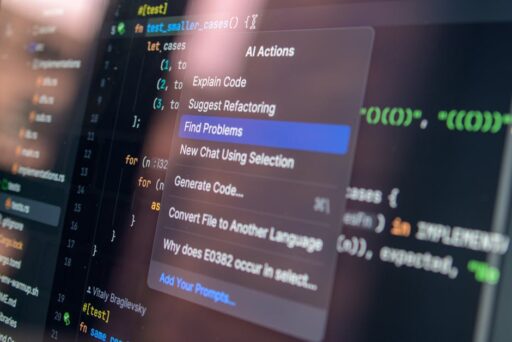
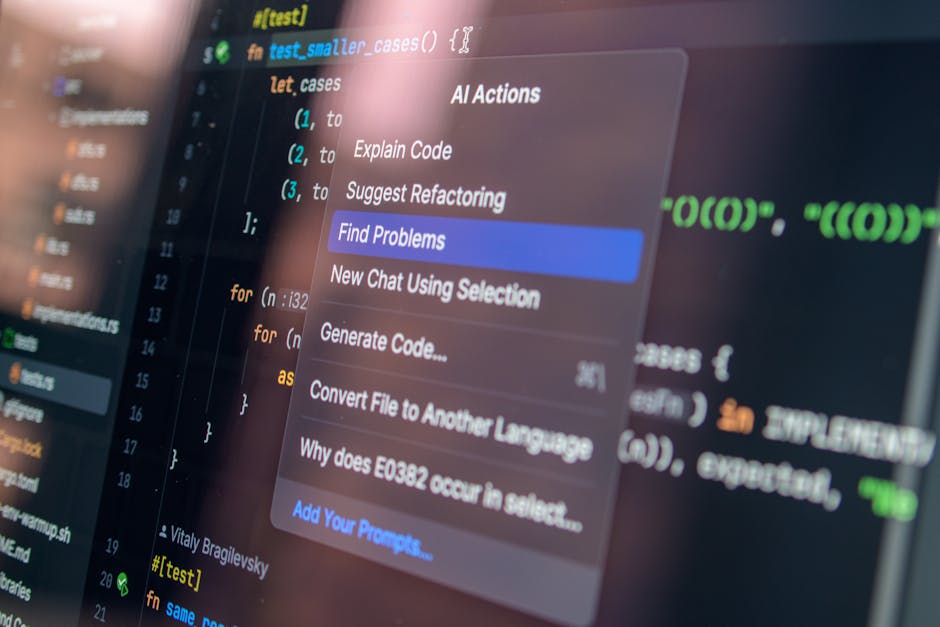
Apple’s Xcode 26.3 marks a step change in developer tooling by integrating agentic coding capabilities directly into the IDE. These AI agents can discover project structure, consult documentation, run builds and tests, propose fixes, and iterate—streamlining common development tasks while preserving transparency and control. This article explains how the integration works, how to get started, and the governance and security practices teams should adopt to benefit from agentic workflows.
What is agentic coding in Xcode?
Agentic coding refers to AI agents that perform multi-step development tasks autonomously or semi-autonomously. Rather than generating single snippets on request, these agents can plan, access project metadata, call IDE tools, and validate outcomes. In Xcode 26.3, the IDE exposes capabilities to external agents via a standardized interface so compatible models can act as assistants deeply embedded in the development loop.
Key capabilities
- Project discovery: agents inspect files, dependencies, and metadata to understand scope and architecture.
- Documentation access: agents read the latest Apple developer docs and recommended APIs before coding.
- Automated builds and tests: agents can run the build/test pipeline and report back with findings.
- Change proposals: agents suggest code edits with highlighted diffs and accompanying reasoning.
- Milestones and reversions: every agent change can create a checkpoint so developers can revert easily.
How do agentic coding agents work in Xcode?
At a high level, Xcode exposes its tools and environment through a Model Context Protocol (MCP). Agents that support MCP can request information (project layout, file contents, build status), perform actions (create files, apply patches, run tests), and fetch docs. The flow typically looks like this:
- Developer installs and authorizes an agent in Xcode settings.
- Agent analyzes project structure and references relevant documentation.
- The agent proposes a step-by-step plan and asks for approval (or executes if configured).
- Agent makes changes in small, visible increments; Xcode records milestones.
- Agent runs tests and reports outcomes, iterating until acceptance criteria are met.
This structured interaction—inspect, plan, act, validate—helps maintain predictability and gives developers both visibility and control over automated changes.
Why this matters: productivity, learning, and quality
Agentic coding in Xcode is more than a convenience. It reshapes three core aspects of development:
1. Productivity
Agents automate routine tasks—wiring up boilerplate, generating previews, updating frameworks, or running regression checks. With model-assisted automation, developers can focus on design and architecture while agents handle repetitive implementation and validation.
2. Developer learning
The stepwise transcripts, highlighted diffs, and documentation lookups provide an in-IDE learning flow for junior engineers. Seeing why an agent applied a change and which docs informed that decision offers contextual learning during actual development work.
3. Code quality and consistency
Because agents verify changes by running tests and referencing current documentation, they can catch regressions or deprecated API usage early. Combined with milestone-based reversion, teams can experiment safely and maintain quality gates.
How to enable and configure agentic coding in Xcode
Getting started with agentic coding in Xcode 26.3 is straightforward. Follow these steps to try an agent in your workspace:
- Open Xcode and go to Preferences > Agents (or the equivalent agent settings panel).
- Download or enable agents you want to use and link your account or API key as required.
- Choose which agent model and version from the dropdown (different models offer different capabilities and cost/latency trade-offs).
- Grant scoped permissions—agents should only receive the minimum access necessary (e.g., project read, build/test execution).
- Use the prompt box in the IDE to tell the agent what you want (add a feature, refactor, or run tests). Review the agent’s plan before execution.
Developers can also toggle agent autonomy: require confirmation for every step, allow multi-step runs up to a limit, or restrict agents to read-only analysis.
What does a typical agent session look like?
Imagine you want to add a SwiftUI screen that lists user data fetched from your API. You might instruct the agent: “Add a SwiftUI list view that calls MyAPI.getUsers(), caches responses, and includes pull-to-refresh.” The agent will:
- Scan the project to find MyAPI and data models.
- Check Apple documentation for recommended concurrency and caching APIs.
- Propose a plan (create view file, add view model, update dependency injection, add tests).
- Apply changes incrementally, showing diffs in-line and creating milestones.
- Run unit/UI tests and report results, then fix any failing tests if requested.
All changes are surfaced visually, and a side transcript explains each step so you can learn as the code evolves.
Security, privacy, and governance considerations
Introducing agentic automation raises valid concerns. Xcode’s design addresses several of them, but teams should adopt additional controls:
- Least privilege: grant agents only the permissions required for their task.
- On-premise or private model options: choose providers or models that meet your data residency and compliance needs.
- Audit trails: rely on Xcode milestones and transcripts to review agent actions and rationale.
- Code review gates: require human approval for merges, especially for production branches.
- Secrets handling: never expose API keys or secrets in prompts; use secure stores.
For teams building enterprise-grade workflows, pair agentic tools with policies described in resources like Agentic AI Security: Preventing Rogue Enterprise Agents to reduce operational risk.
How should engineering teams adopt agentic coding?
Rollouts should be deliberate. Recommended steps include:
- Pilot with small, non-critical projects to evaluate behavior and ROI.
- Create style and safety guidelines that agents must follow (naming conventions, API usage, test coverage).
- Integrate agent runs into CI pipelines where appropriate, with human approvals for merge steps.
- Train engineers on prompting techniques and how to interpret agent transcripts.
- Measure outcomes: cycle time, bug rates, and developer satisfaction.
These practices help embed agentic coding into engineering culture without compromising governance.
What are the limitations today?
Agentic tools are powerful but not infallible. Common limitations include:
- Context limits: agents may miss long-tail project constraints unless given explicit context.
- Dependency surprises: implicit assumptions in third-party libraries can cause failing builds that require human troubleshooting.
- Cost and latency: some model-backed actions may incur compute cost or slower response times for large projects.
- Overautomation risk: agents can create changes that are syntactically valid but misaligned with product intent without proper oversight.
Understanding these boundaries is key to setting realistic expectations and designing human-in-the-loop guardrails.
How does this fit with broader AI tooling and infrastructure?
Agentic coding in Xcode is one part of a growing ecosystem of AI-native developer tools. Teams should consider how agents interact with CI/CD, cloud infra, and observability. For example, coordinating agent-created changes with deployment pipelines and test environments ensures smooth rollouts and reliable rollback strategies. For an in-depth look at developer infrastructure trends that complement agentic workflows, see AI App Infrastructure: Simplifying DevOps for Builders.
Frequently asked question: Can agentic coding replace developers?
No. Agentic coding augments developer capabilities, automating routine tasks and accelerating iteration, but it does not replace the judgment, creativity, and systems thinking of professional engineers. Agents excel at deterministic tasks and scaffolding, while humans define product intent, architecture, and trade-offs. For perspective on how agentic approaches reshape coding professions and workflows, consult our piece on Agentic Software Development: The Future of AI Coding.
Best practices for prompts and agent configuration
To get reliable agent output, use clear, constrained prompts and prefer stepwise plans. Here are practical tips:
- Be explicit about scope: name files, modules, or APIs to avoid ambiguous changes.
- Request a plan first: ask the agent to outline steps before applying edits.
- Limit change sets: prefer multiple small commits rather than one large patch.
- Include tests in the task definition so agents validate outcomes automatically.
- Use checkpoints: let Xcode create milestones so you can revert any change quickly.
Looking ahead: where agentic coding is headed
Agentic coding is likely to deepen integration with developer tooling—tighter CI/CD hooks, richer test generation, and smarter code review assistants. Expect agents to become more context-aware, better at multi-file refactors, and more capable of orchestrating cross-platform changes. As workflows mature, developer roles will evolve to manage agent fleets, define policy, and focus on higher-level product decisions.
Conclusion
Xcode 26.3’s agentic coding features bring AI agents into the heart of the Apple development experience. When used responsibly—with clear governance, proper permissions, and human oversight—these agents can accelerate development, improve learning, and reduce repetitive work. Teams that pilot agentic workflows thoughtfully will gain efficiency while preserving code quality.
Next steps
Try agentic coding in a sandbox project, follow the configuration steps above, and pair your experiments with policies from security and governance teams. For further reading on secure agentic deployments and operational controls, consult our articles on agentic AI security and AI app infrastructure.
Call to action: Ready to accelerate your Apple development workflow? Install Xcode 26.3, enable an agent in Preferences, and run a guided pilot—then share your experiences and best practices with the developer community.